Design your kitchen – and see it in 3D before you order
Place base units, sink, hob and oven to scale, choose tiles and worktop and see whether the island really fits. All on your phone, with no account.
No sign-up · Works on your phone · Saved on your device
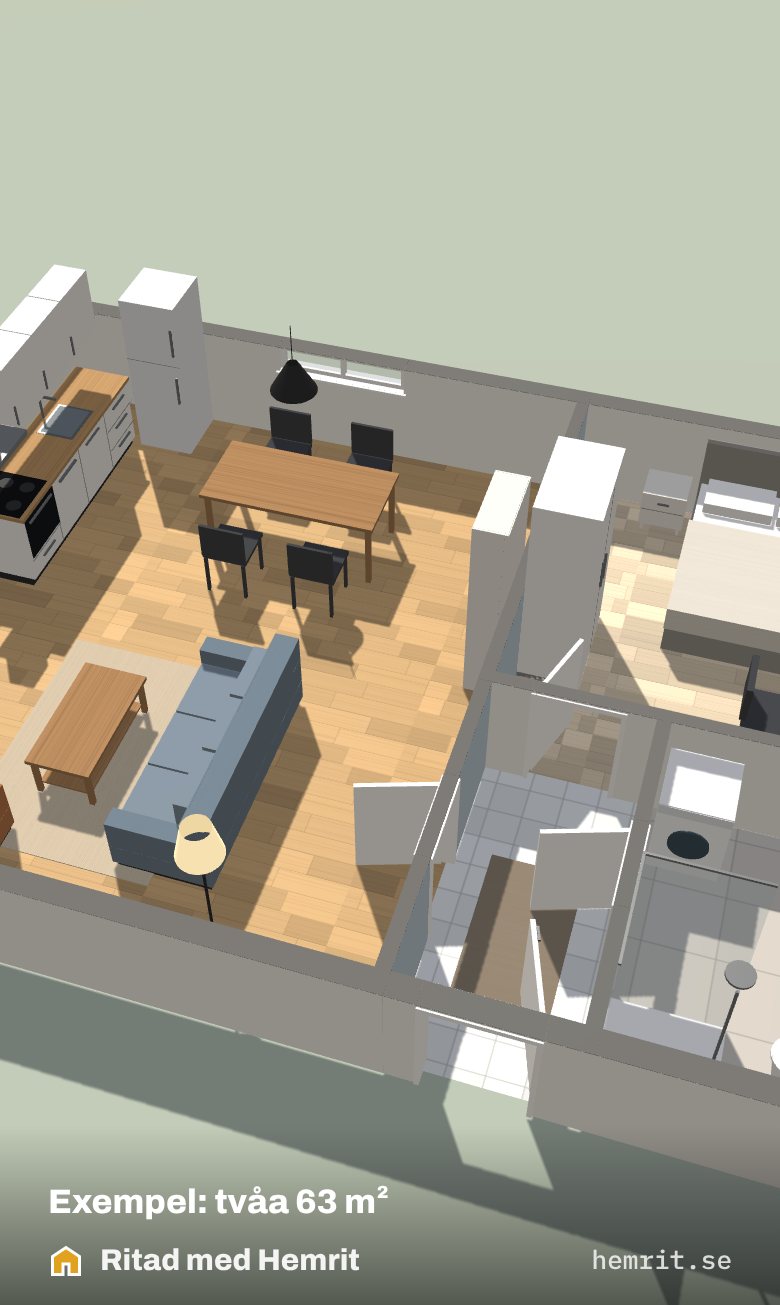
How to plan your kitchen
-
Draw the room
Draw the kitchen with walls, doors and windows, or start from a ready-made floor plan that already has a kitchen and adjust the sizes.
-
Build the kitchen
Worktops in different lengths, tall units, integrated fridge, island and wall cabinets. Put the sink, hob, oven, dishwasher and drawers exactly where you want them in the run.
-
Choose finishes and look
Splashback tiles in different patterns and sizes, flooring and wall colour. Walk around in 3D and see how the light falls across the worktop.
Start from a ready-made floor plan
Pick a size and Hemrit opens with rooms, doors, windows and furniture in place. Then adjust the measurements to match your home.
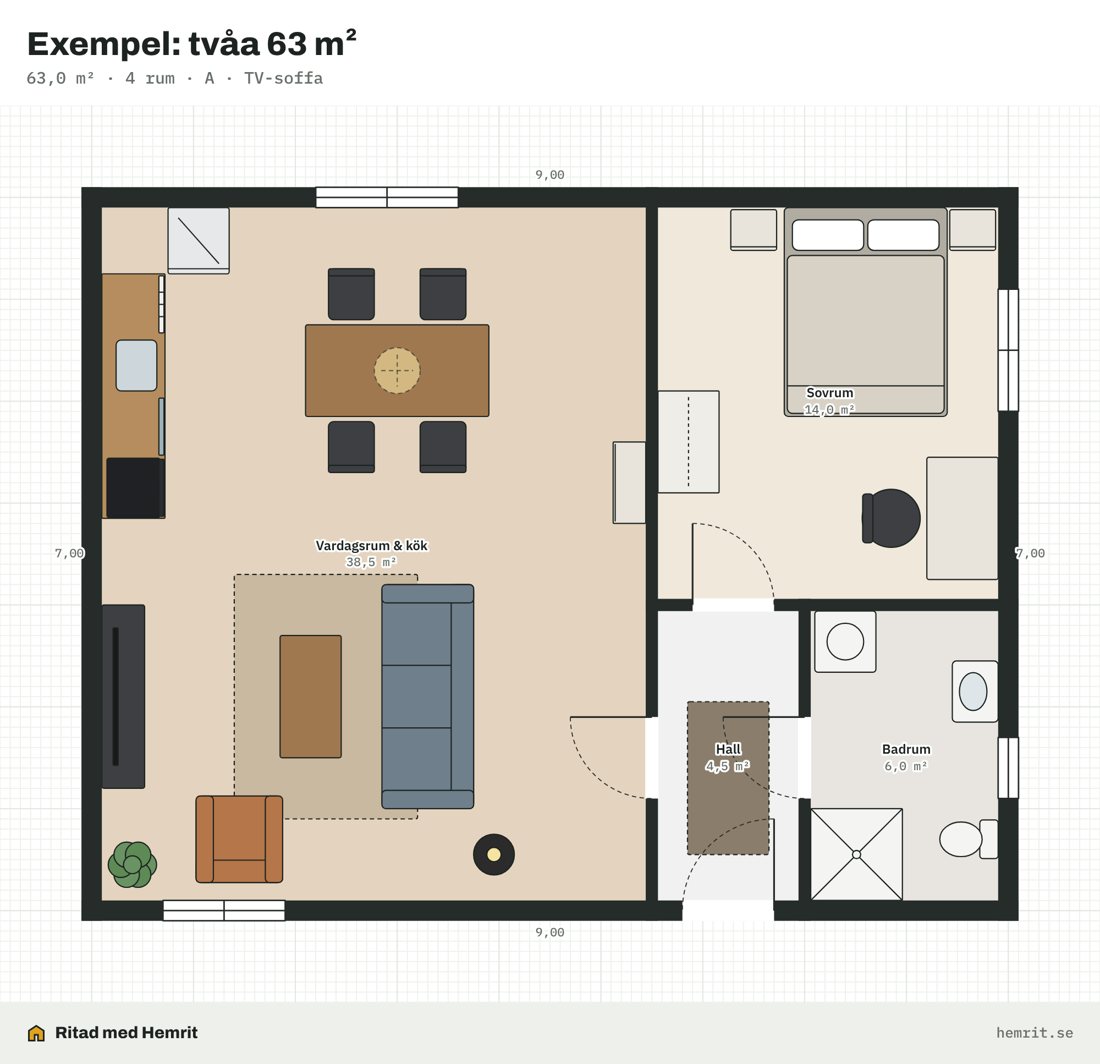
What you can draw in the kitchen
Sink, hob, oven and dishwasher
Placed in the worktop, so you can see the work triangle.
Island and dining area
Try an island, bar stools and a dining table and see how much walking space is left.
Tiles in real sizes
Stacked, brick bond, herringbone, hexagon and mosaic, with your own grout colour.
Wall cabinets and open shelves
With or without glass doors, in the same colour as the base units.
Evening light
See the kitchen in daylight or with the lamps on when it is dark outside.
Frequently asked questions
Can I place the sink and hob wherever I want?
Yes. Pick a worktop and add a sink, hob, oven, dishwasher and drawers. Each one can be moved along the worktop.
Are tiles and splashbacks included?
Yes. Splashback tiles in several patterns and sizes, and wall tiles per room. The floor can be wood, tiles or stone.
Can I draw a kitchen island?
Yes. The island is in the catalogue and can have its own size. You see right away whether there is enough room around it.
Do I need an account?
No. You start drawing right away, and the kitchen is saved in the browser on your device.
Try it now, it takes a minute
Pick a ready-made floor plan or draw your first room, then tap 3D.
Start drawing – free