Plan your furniture layout – before you lift a single sofa
Draw the room to scale, place the furniture and see right away if it gets cramped. Try several layouts of the same room and walk around in 3D to get a feel for it.
No sign-up · Works on your phone · Saved on your device
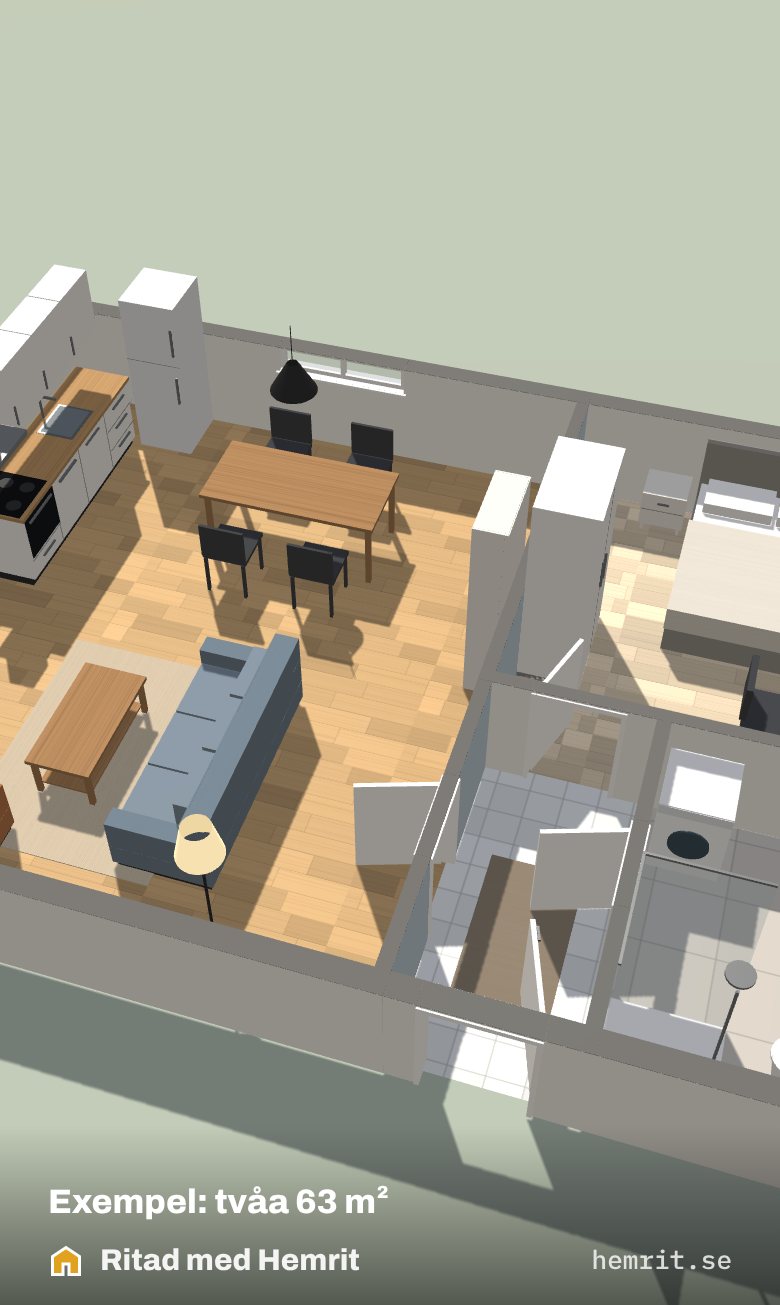
How to plan your layout
-
Measure and draw the room
Pick a ready-made floor plan and adjust it, or draw the room directly. Doors and windows go on the walls, so you can see where furniture cannot go.
-
Place the furniture
More than 80 real-size pieces: sofas, beds, wardrobes, dining tables and bookcases. Push them against a wall or into a corner with one tap and see the distance to the walls as you move them.
-
Compare and walk around
Make one version with a corner sofa and one with two armchairs. Switch between them and walk around in 3D, in daylight or with the lamps on in the evening.
Start from a ready-made floor plan
Pick a size and Hemrit opens with rooms, doors, windows and furniture in place. Then adjust the measurements to match your home.
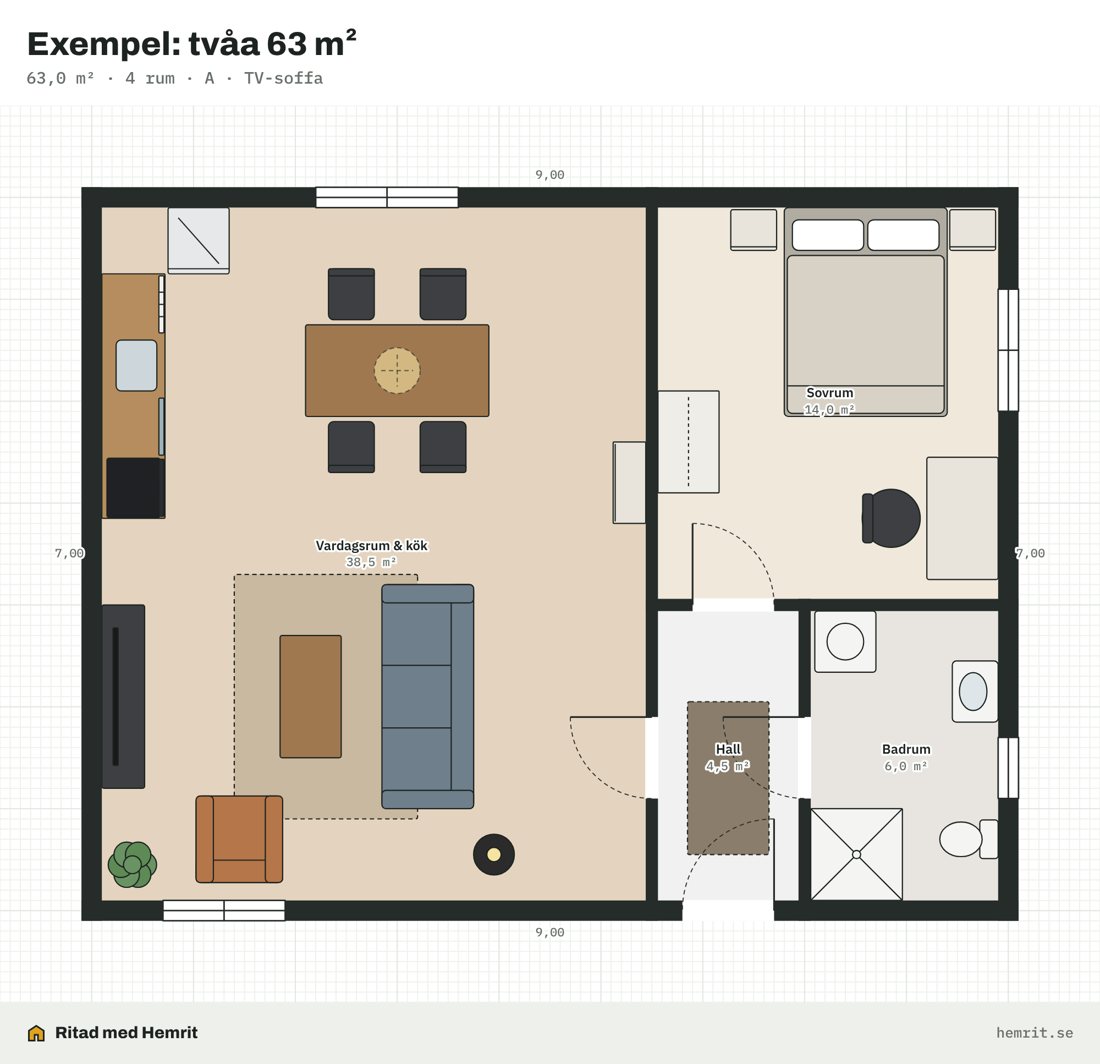
Handy when you arrange furniture
Warns about collisions
Furniture that runs into a wall or another piece is marked right away.
Several layouts
Same room, different furniture. Keep them side by side and show the family.
Real sizes
Change the width, depth and height of every piece to match the one you plan to buy.
Curtains, rugs and lamps
Rugs, pictures, plants, curtains and lamps that really light up when it is dark.
Send a tour
Share a link so someone else can walk around your planned home on their phone.
Frequently asked questions
Can I check whether a particular sofa fits?
Yes. Pick a sofa from the catalogue and change its width and depth to the one you want to buy. If it hits a wall or another piece, it is marked.
Can I compare different layouts?
Yes. Each home can have several variants with their own furniture, and you switch between them with one tap, in 2D and 3D.
Do I have to draw the whole home?
No. You can draw a single room. To start fast, pick a ready-made floor plan and remove what you do not need.
Does it cost anything?
No. Hemrit is free, needs no account, and your drawings are saved on your device.
Try it now, it takes a minute
Pick a ready-made floor plan or draw your first room, then tap 3D.
Start drawing – free